Run apps, records, and agents from the browser
Docyrus Web App is the browser runtime at the center of daily work. Any team member with access opens apps, moves through records, chats with Docy, and triggers workflows with no install, no environment setup, and the same permissions and audit trail the rest of the platform uses. When usage turns into building, one click moves the session into build.docyrus.app with context intact.
docyrus.app
Run and operate
Open apps, move through records, chat with Docy, and trigger workflows, all under the same sign-in and audit trail.
build.docyrus.app
Shape and refine
Adjust screens, data bindings, workflows, and permissions in the builder, then publish back to the same runtime.
Chrome Extension
Capture and accelerate
Bring a page, a selection, or a screenshot into Docy as context without leaving the tab you're on.
This is a real running app
The showcase below is not a decorated mockup. It renders the same list views, detail pages, and forms teams use every day, wired to real data, governed by the same permissions, and updated live through the platform's built-in PubSub.
Inside docyrus.app
Four things teams actually do in the web runtime every day.
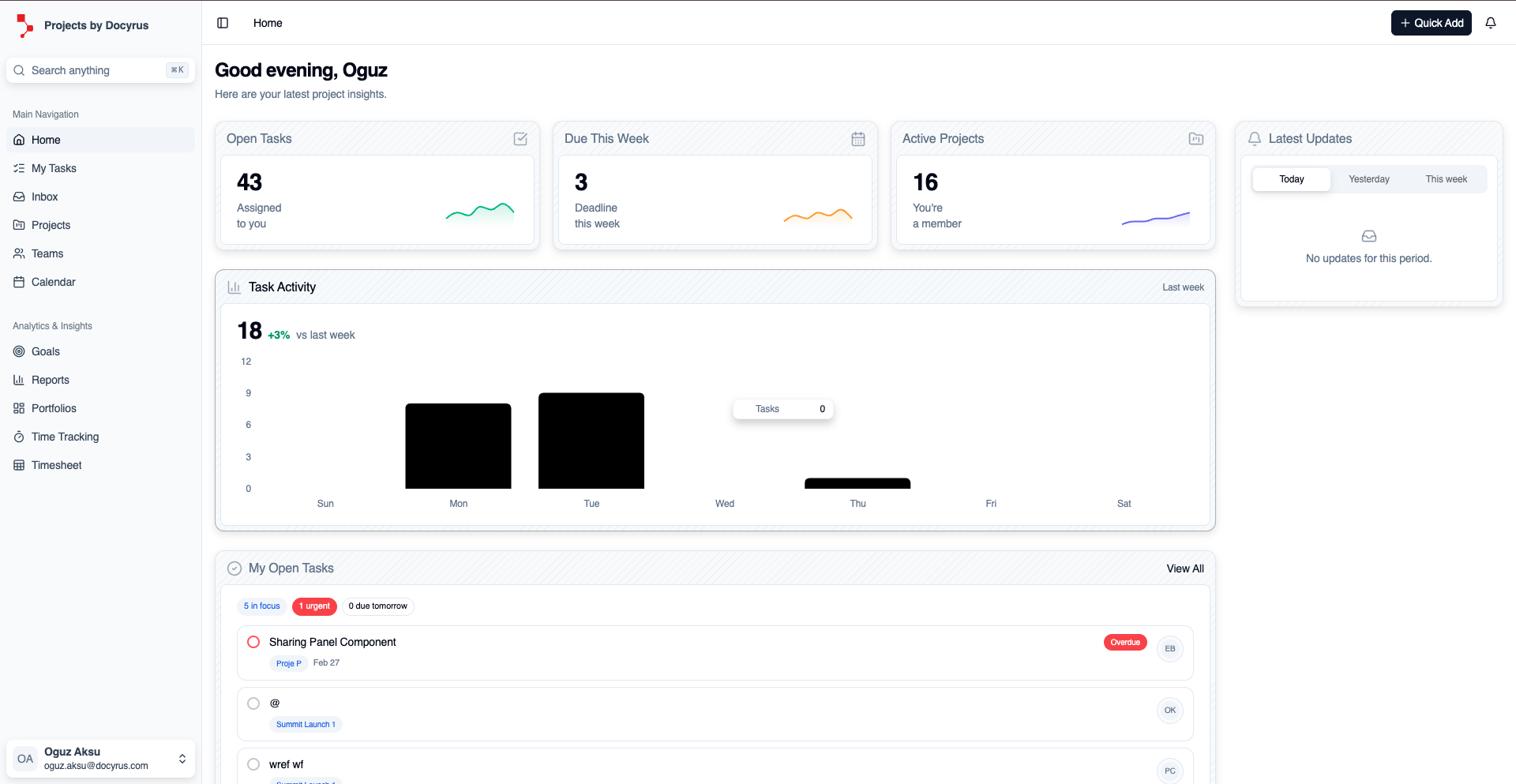
Open live apps against real data
App home pages are not decoration. They surface open tasks, project health, and activity drawn directly from the platform's shared data layer and refreshed live.
- List views, detail pages, create and edit forms, and relation pickers
- Records built on a relational core with ACID transactions and native vector columns
- Schema changes roll out without migrations, and older rows stay valid
Work with Docy in context
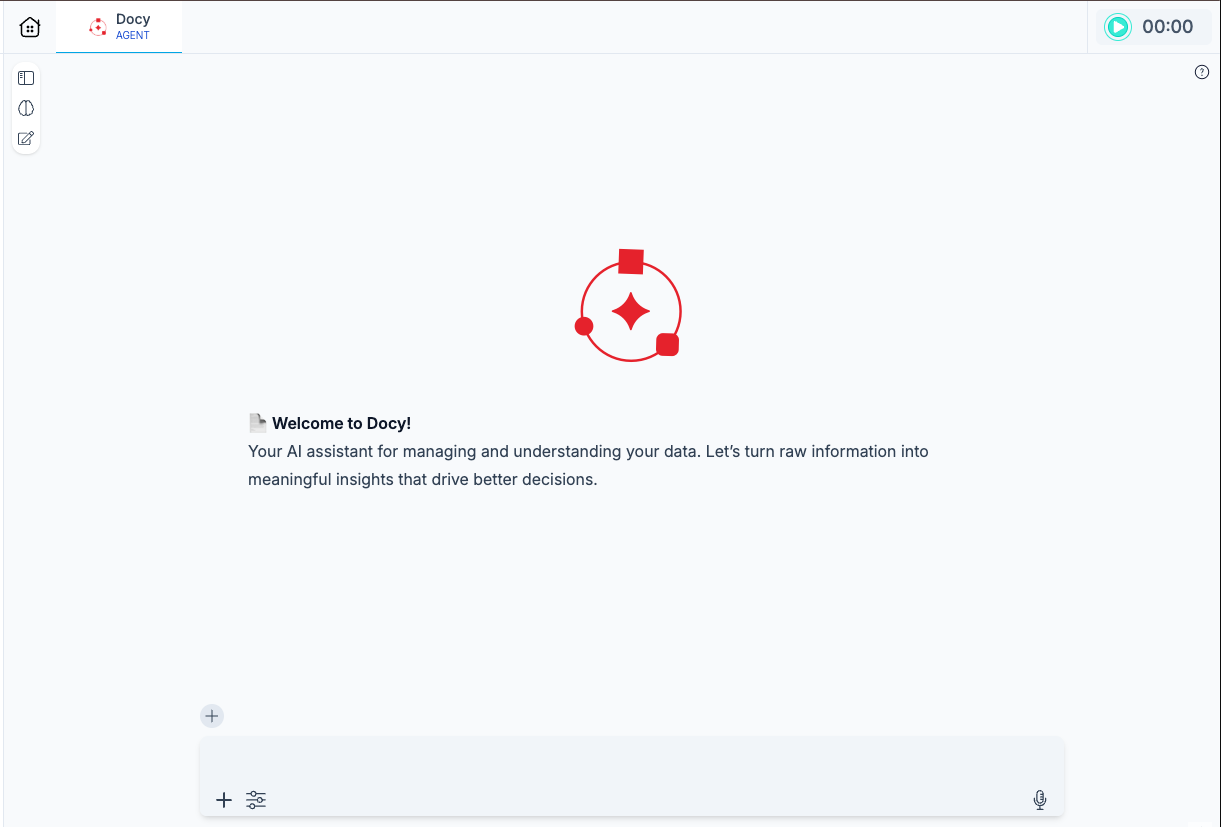
Docy is not a separate window or a sidebar. It sits in the same navigation as the apps you are already running, with the same data access, the same roles, and the same audit trail.
- Assistants, agents, and skills available inline, not in a detached chat layer
- Switch models across OpenAI, Anthropic, Google, and Groq per conversation
- Tool calls inspected and audited; destructive actions can require approval before running
Move work forward without leaving the browser
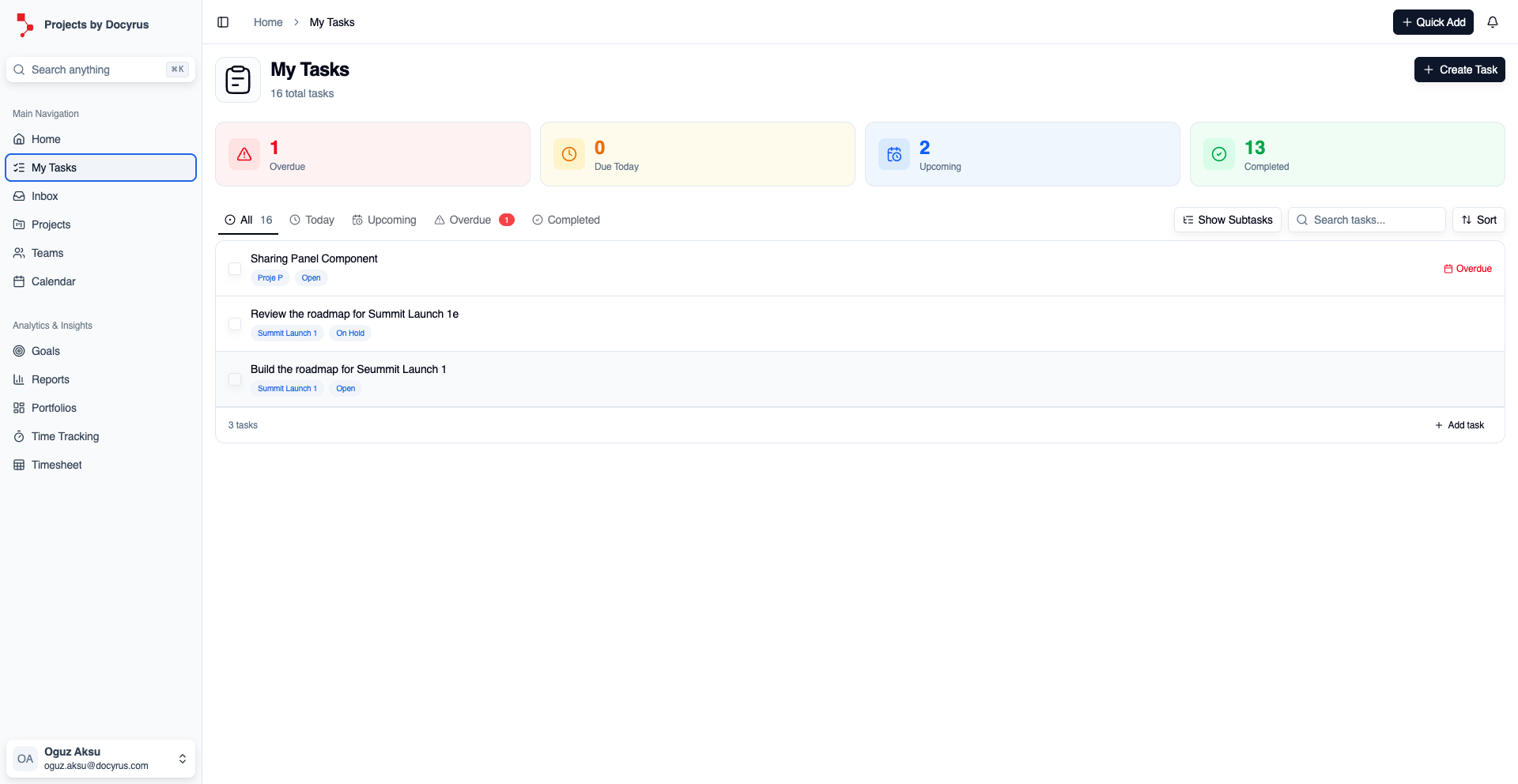
Open tasks, check their status, trigger an automation from a record, or approve a pending workflow step from the inbox without opening another tool.
- Task and record statuses kept current with live data subscriptions
- Workflow approvals reviewable and actionable from the same surface
- Every run replayable with step-by-step logs and timing
See the numbers where the work happens
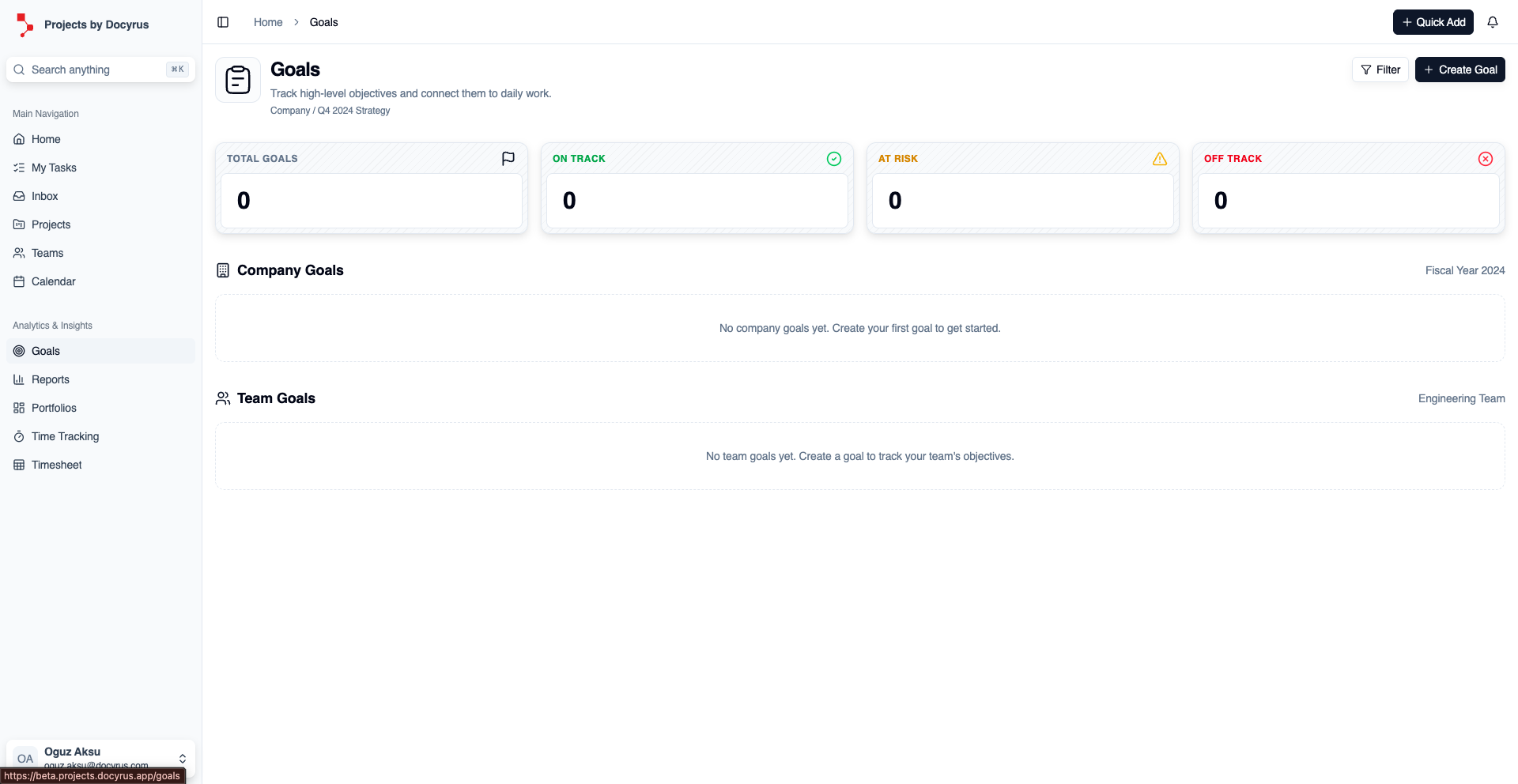
KPI cards, charts, and goal trackers embed directly into app pages. Teams do not need to leave the runtime to check progress or drill into the underlying records.
- On-track, at-risk, and off-track signals visible from any app page
- Drill down from a KPI into the underlying records in one click
- Saved filter views per team, with no per-user configuration needed
What keeps the Web App coherent at scale
The browser experience stays simple because data, access, agents, and the builder path already live in the same system.
Postgres-grade data, vector-ready
Records live on a relational core with ACID transactions, foreign keys, and native pg_vector columns. Schema changes roll out without migrations.
SSO and record-level access from day one
Okta, Azure AD, Google Workspace, SAML 2.0. Permissions apply per record, per field, and per action, uniformly across apps, dashboards, APIs, and agents.
Agents that inherit the user's permissions
Agents act through the same governed action layer as humans. Every tool call is audited; destructive ones can require approval before they run.
A one-click path into the builder
Open any app in build.docyrus.app without losing context. Data model, roles, and workflows are shared, so there is no separate environment to migrate to.
What runs on the Web App
Operations
Approvals and operational review
Pending workflow steps appear inline. Approve or reject with a note, and every decision lands in a replayable audit trail. Sales ops, finance, and IT close the loop without opening a second tool.
External users
Branded portals for customers and partners
Customers and partners sign in through the same Auth layer and land on a portal with your domain, your branding, and their assigned role. They view records, upload documents, and submit requests with no separate integration required.
AI-assisted work
Agent-driven operation flows
A support rep opens a ticket, Docy surfaces the account history and drafts a response, and a router agent hands off to the right specialist when needed. Everything happens inside the app the rep already has open.
Frequently asked questions about Docyrus Web App
What is Docyrus Web App?+
Docyrus Web App is the browser-based Docyrus product surface where teams use apps, work with agents, and stay close to build workflows from docyrus.app.
What can teams do in it today?+
Teams can open business apps, work with live records, run agent-assisted tasks, review dashboards, and move through operational flows in the browser as part of daily work.
How does it relate to build.docyrus.app?+
Docyrus Web App is the everyday runtime and operating surface, while build.docyrus.app is the deeper builder-oriented surface teams use when they need to create or refine pages, workflows, permissions, and app behavior.
Where does the Chrome extension fit?+
The Chrome extension acts as a supporting creation surface that helps teams bring browser context closer to Docyrus app-building flows without replacing the core web app or builder experience.