Docyrus Mobile App
Run your business apps from your phone.
Access Docyrus apps, work with Docy, manage records, and trigger workflows from iOS and Android. Keep your teams connected to the same data, permissions, and processes wherever work happens.
Work does not stop at the desk
Your team checks updates, answers questions, approves work, and follows up between meetings. Docyrus Mobile keeps those moments connected to your real business system.
No scattered notes
Capture updates directly where the work lives.
No waiting for desktop access
Review records, ask Docy, and move work forward from mobile.
No disconnected mobile experience
Use the same apps, data, permissions, and workflows your team already uses.
Everything important, closer to the work
Use your apps anywhere
Open your Docyrus apps from mobile. Review CRM records, support items, tasks, projects, forms, and internal tools from one place.
Get things done with Docy
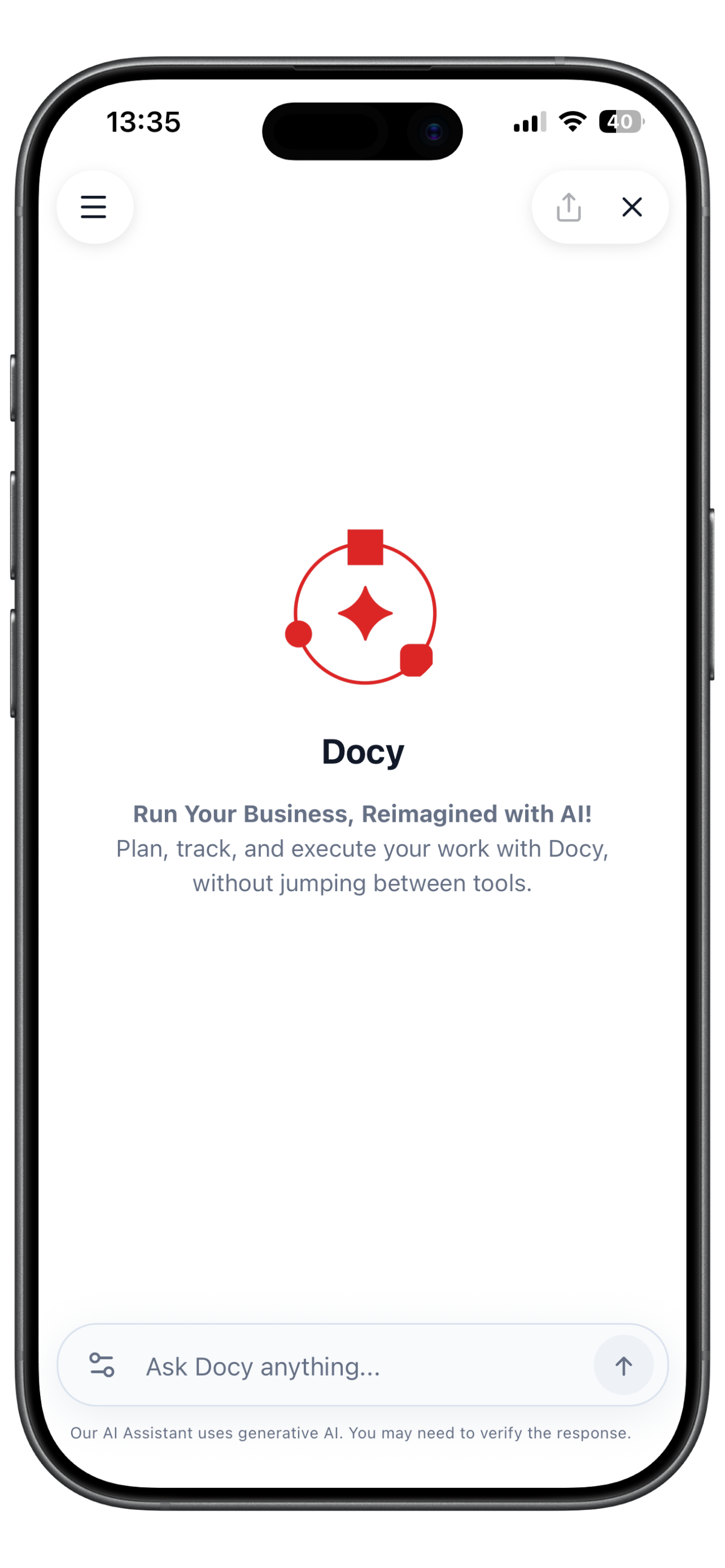
Ask Docy to find records, summarize data, create updates, and help move work forward using natural language.
Trigger workflows on the go
Start automations, review approvals, update statuses, and keep operational processes moving from your phone.
Stay connected to live data
Work from the same data your team uses on web and desktop. Updates stay connected across apps, agents, and workflows.
Built for everyday business moments
Before a meeting
Ask Docy for the latest customer summary, open the related record, and check recent activity.
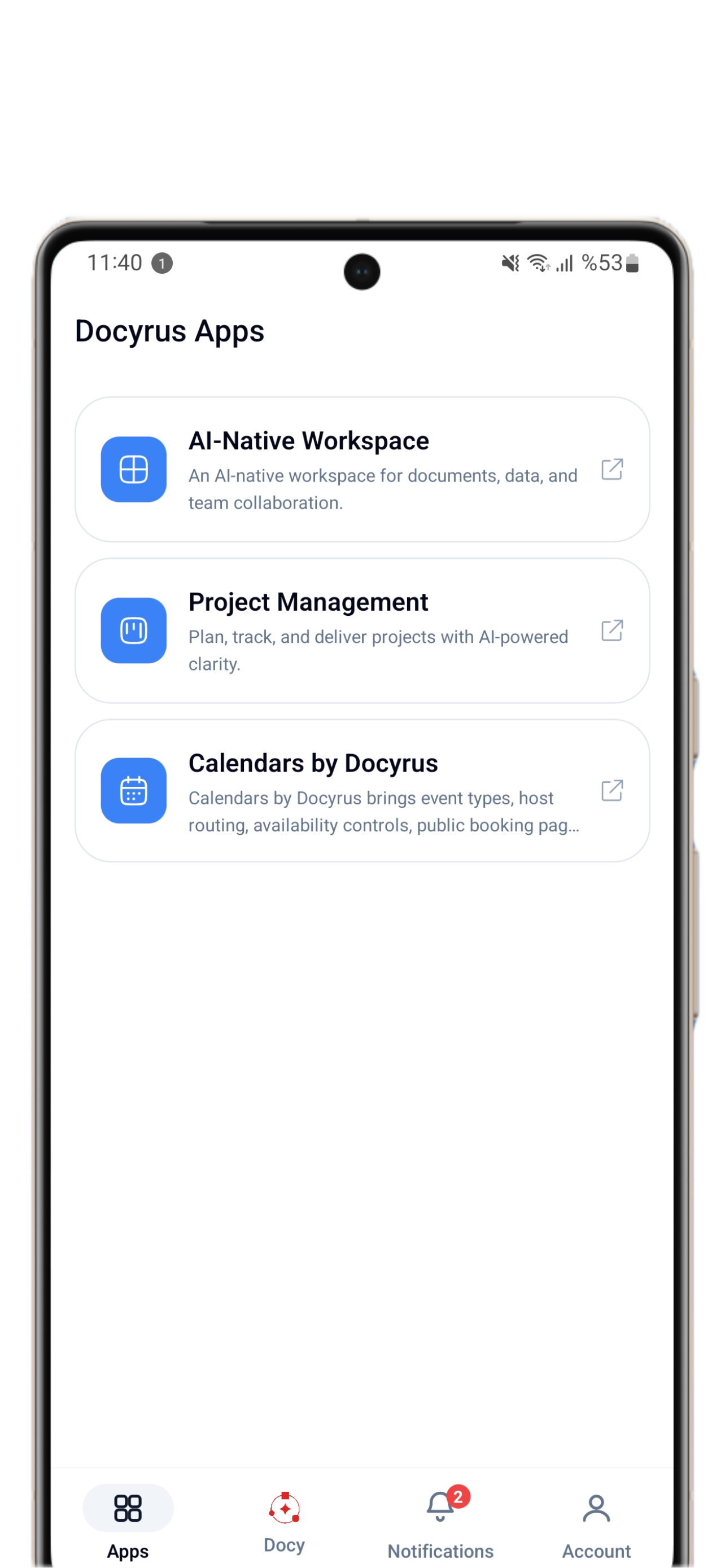
After a call
Create a note, update the deal, assign a task, or trigger the next workflow.
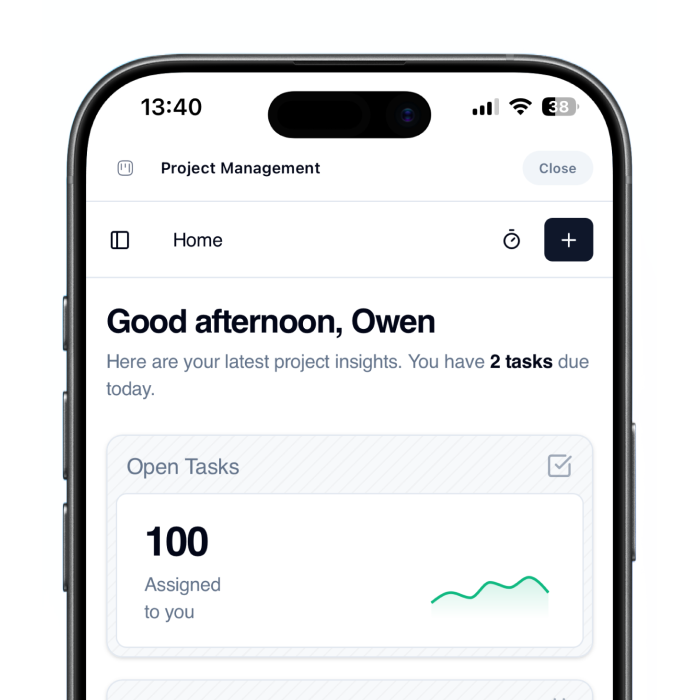
During field work
Capture updates, check forms, review records, and keep teams aligned without switching tools.
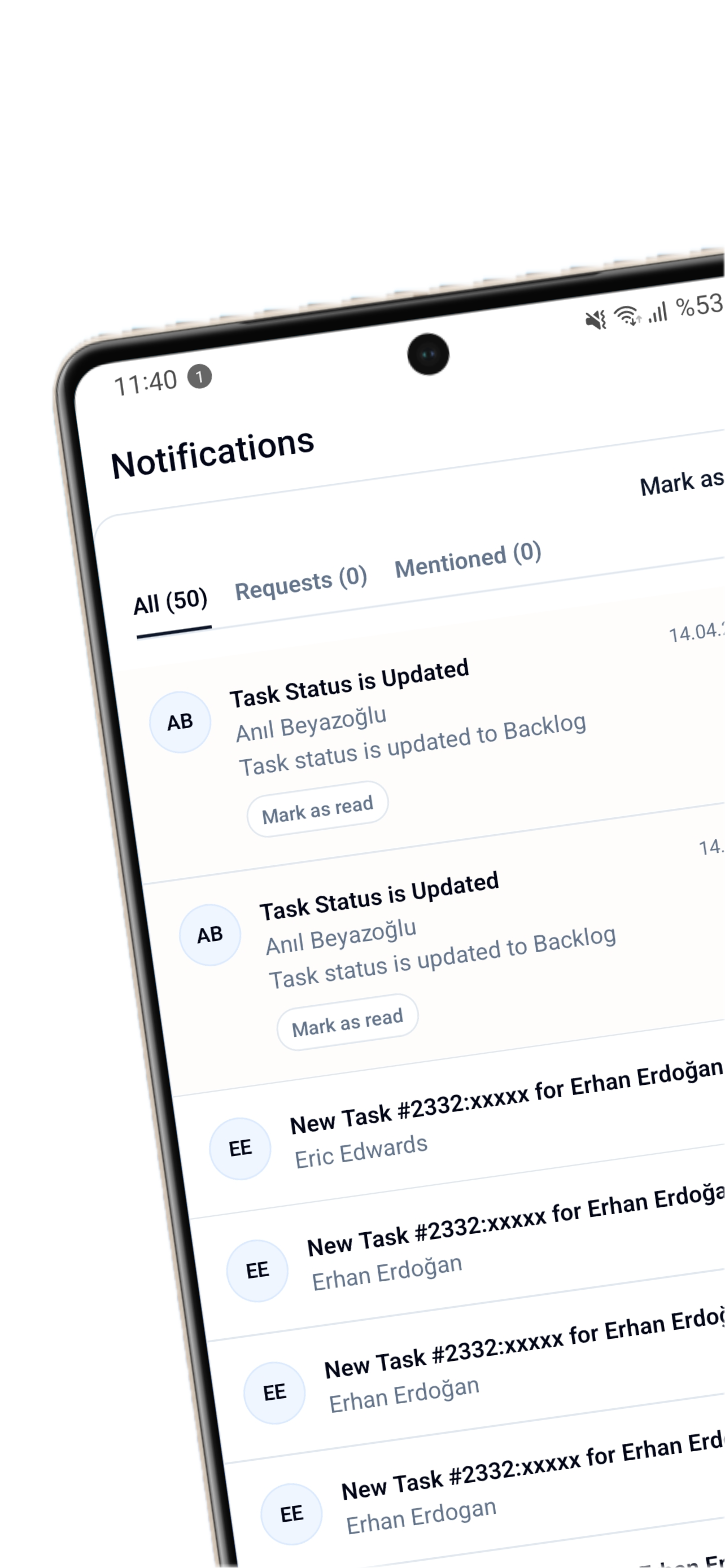
While managing teams
Approve requests, review dashboards, and act on urgent items before they become bottlenecks.
One platform across web and mobile
Docyrus Mobile is the mobile surface of your Docyrus workspace. Your apps, data, permissions, workflows, and agents stay connected across the platform. That means mobile work follows the same rules as the rest of your business system.
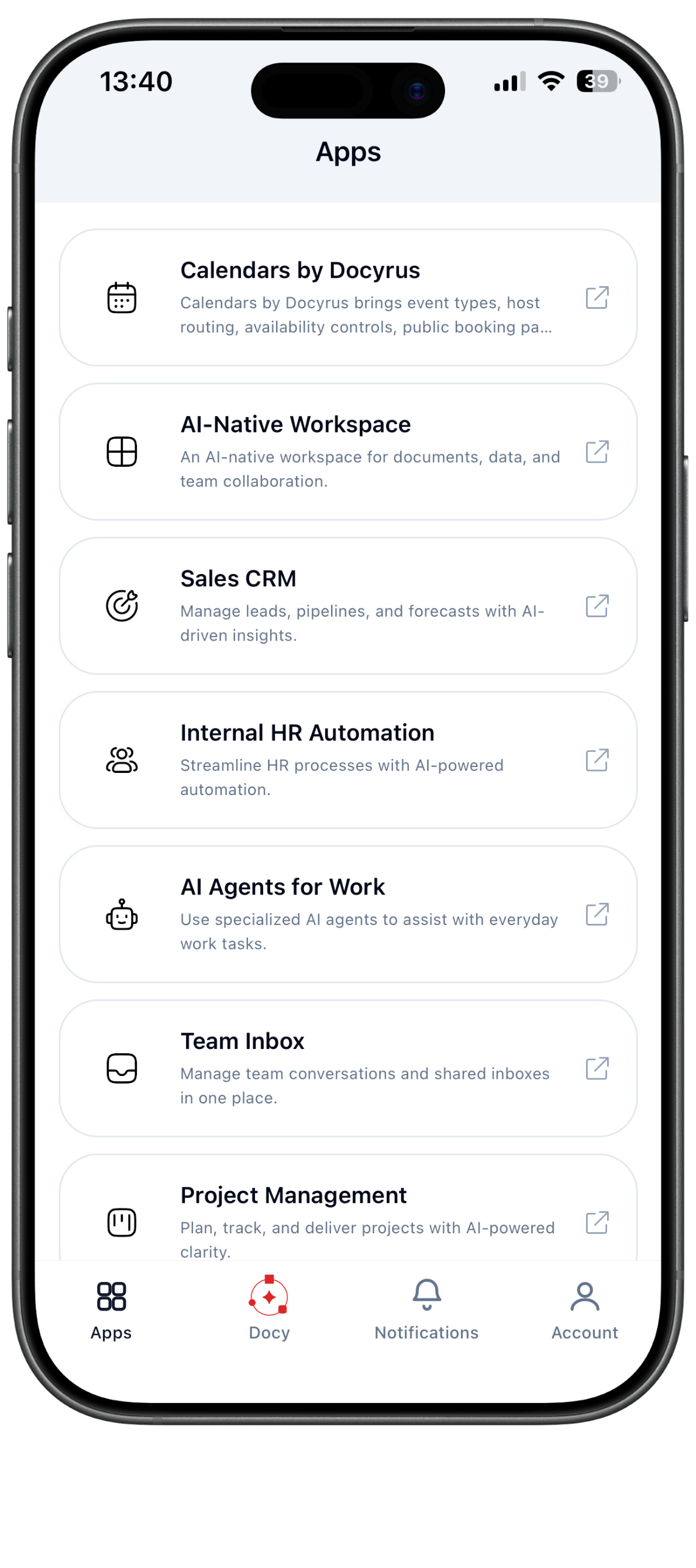
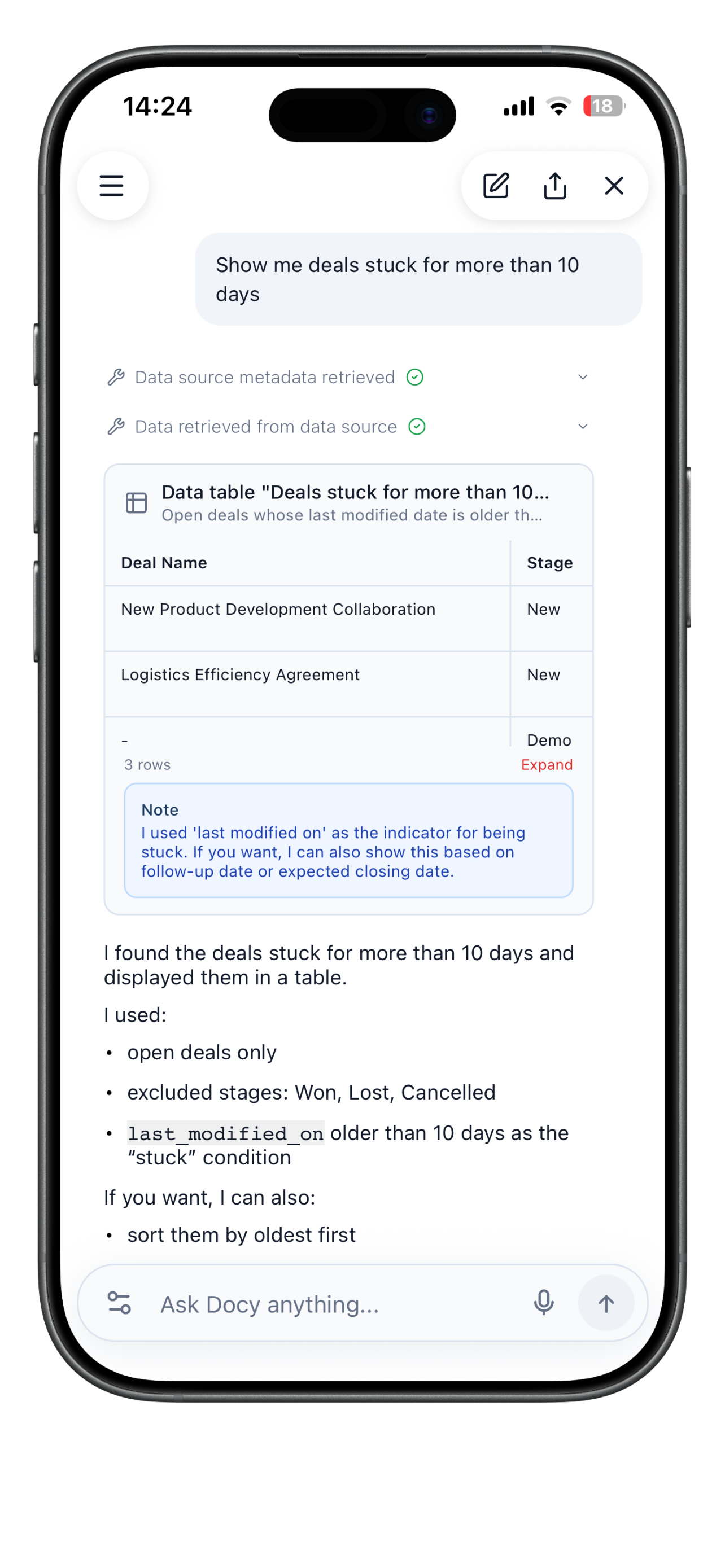
What you can do with Docyrus Mobile
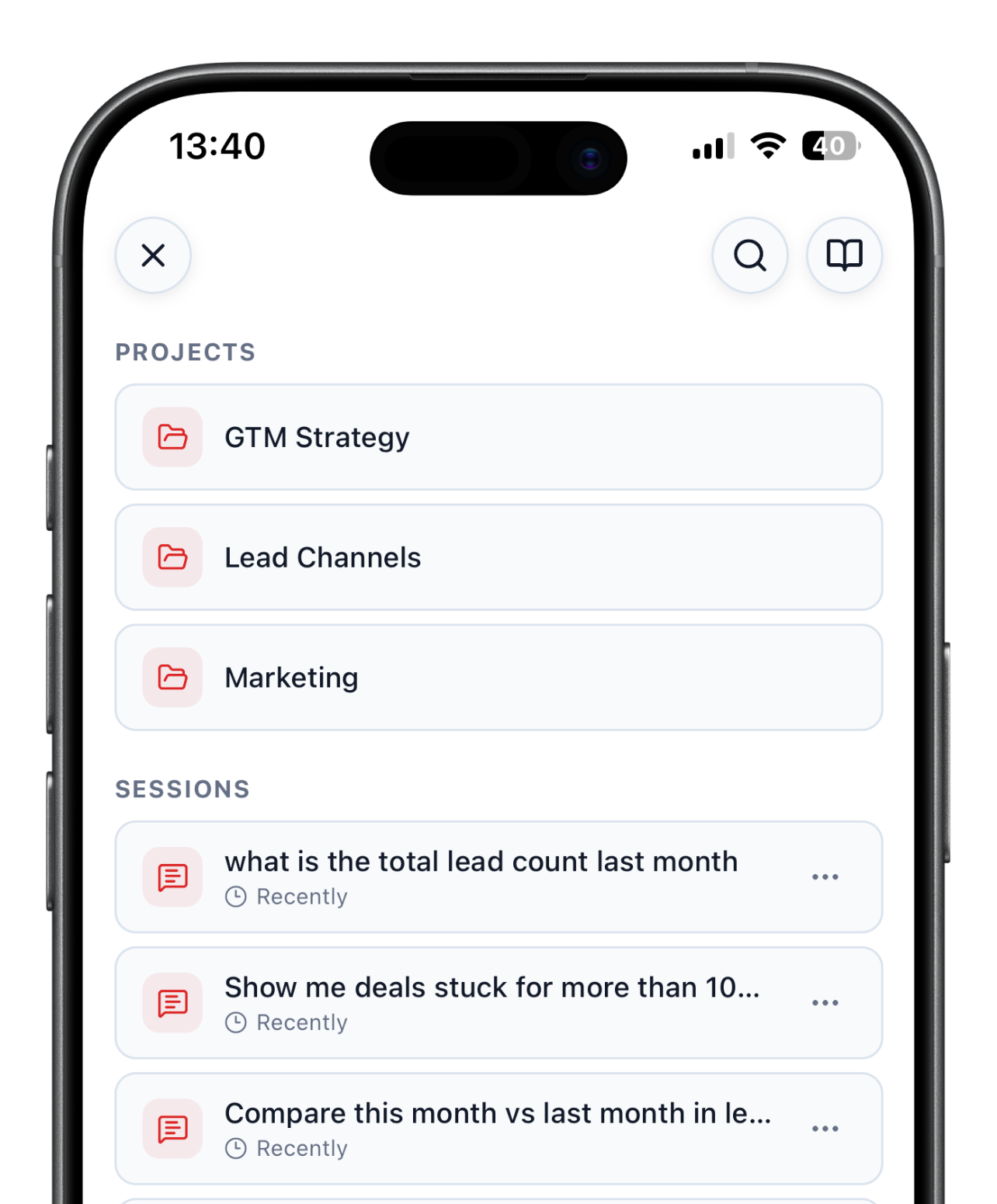
CRM, project management, support, internal tools, and custom Docyrus apps stay within reach on mobile. Find records fast, ask questions, get summaries, and move work forward without waiting to get back to desktop.
- Access business apps
- Search and manage records
- Work with Docy
- Run workflows
- Follow updates
Designed for teams that move
Docyrus Mobile helps business teams act faster without creating another disconnected tool.
Sales teams
Check accounts, prepare for meetings, update deals, and create follow-up tasks.
Service teams
Review customer context, update tickets, and move support workflows forward.
Operations teams
Approve requests, update records, and track process status from mobile.
Managers
Review updates, ask Docy for summaries, and keep decisions moving.
Download Docyrus Mobile
Use Docyrus wherever work happens. Access your apps, work with Docy, and keep your business data connected from iOS and Android.
Frequently asked questions about Docyrus Mobile App
What is the Docyrus Mobile App?+
Docyrus Mobile is the iOS and Android app for accessing your Docyrus workspace from your phone. You can open your business apps, work with Docy using natural language, manage records, trigger workflows, and stay connected to live business data wherever work happens. It is available on the App Store and Google Play.
What can I do with Docy on mobile?+
On mobile you can ask Docy to find records, summarize data, create updates, answer questions about your business data, and help move operational work forward, all without switching to desktop. Docy on mobile uses the same AI agent context as the rest of your Docyrus workspace.
Can I use my Docyrus apps on mobile?+
Yes. All your Docyrus apps are accessible from mobile. This includes CRM, project management, support tools, internal tools, forms, and any custom apps built on Docyrus. The same apps, records, and permissions your team uses on web and desktop are available on iOS and Android.
Which teams benefit most from Docyrus Mobile?+
Sales teams use it to prepare for meetings, update deals, and create follow-up tasks. Service teams review tickets and update workflows in the field. Operations teams approve requests and track process status. Managers review updates and keep decisions moving, all without needing desktop access.
Is Docyrus Mobile available for iOS and Android?+
Yes. Docyrus Mobile is available on the Apple App Store and Google Play Store. It supports the same workspace features across both platforms.
Do mobile users follow the same permissions and data as the rest of the platform?+
Yes. Docyrus Mobile is the mobile surface of your Docyrus workspace. Your apps, data, permissions, workflows, and AI agents stay connected across web, desktop, and mobile. Updates made on mobile are immediately reflected across the platform.