The native Docyrus app for focused work
Open apps, work with Docy, and step into Cody when the job turns into building. It is designed to keep work in context instead of scattering attention across browser tabs, windows, and separate tools.
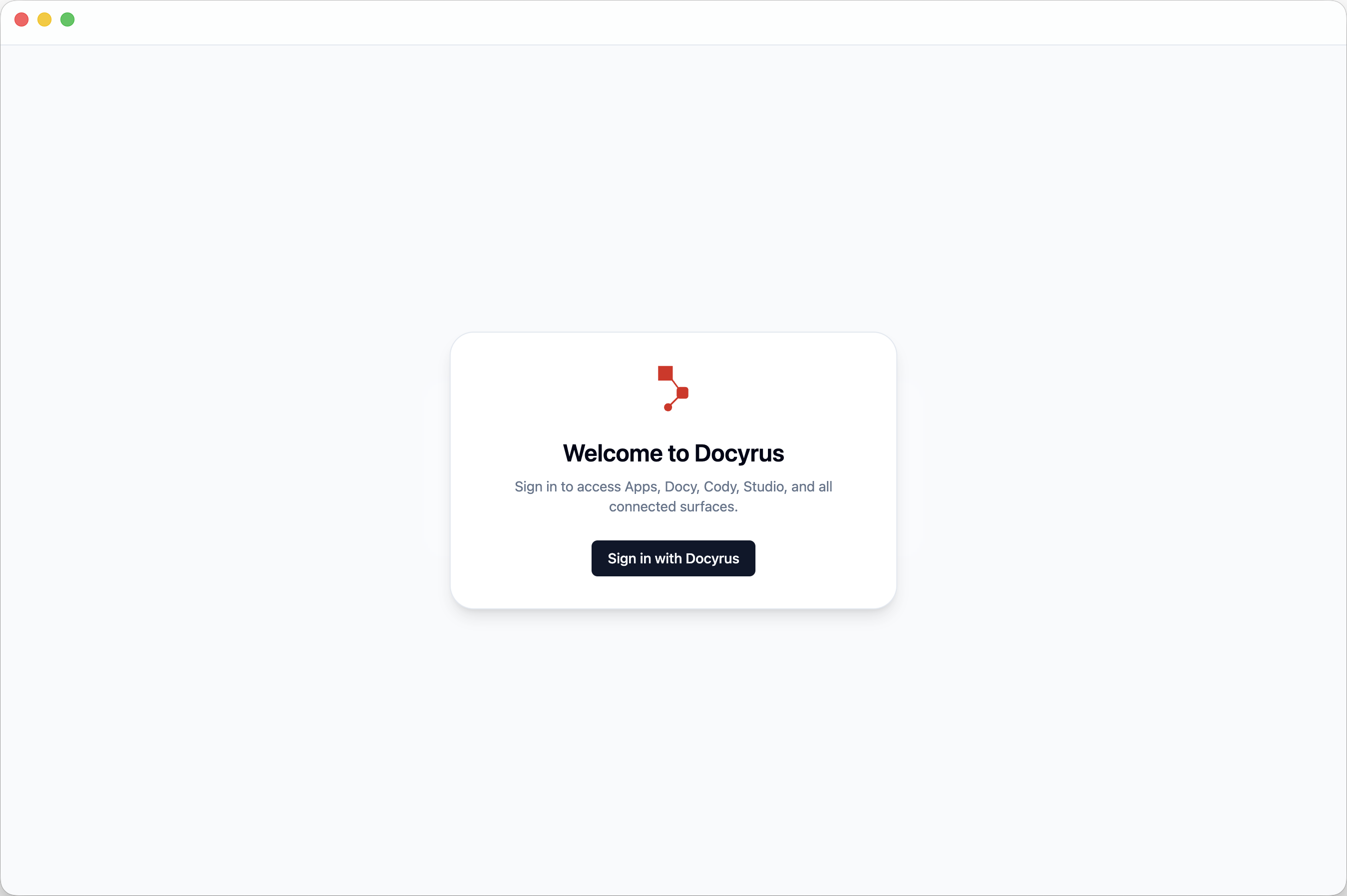
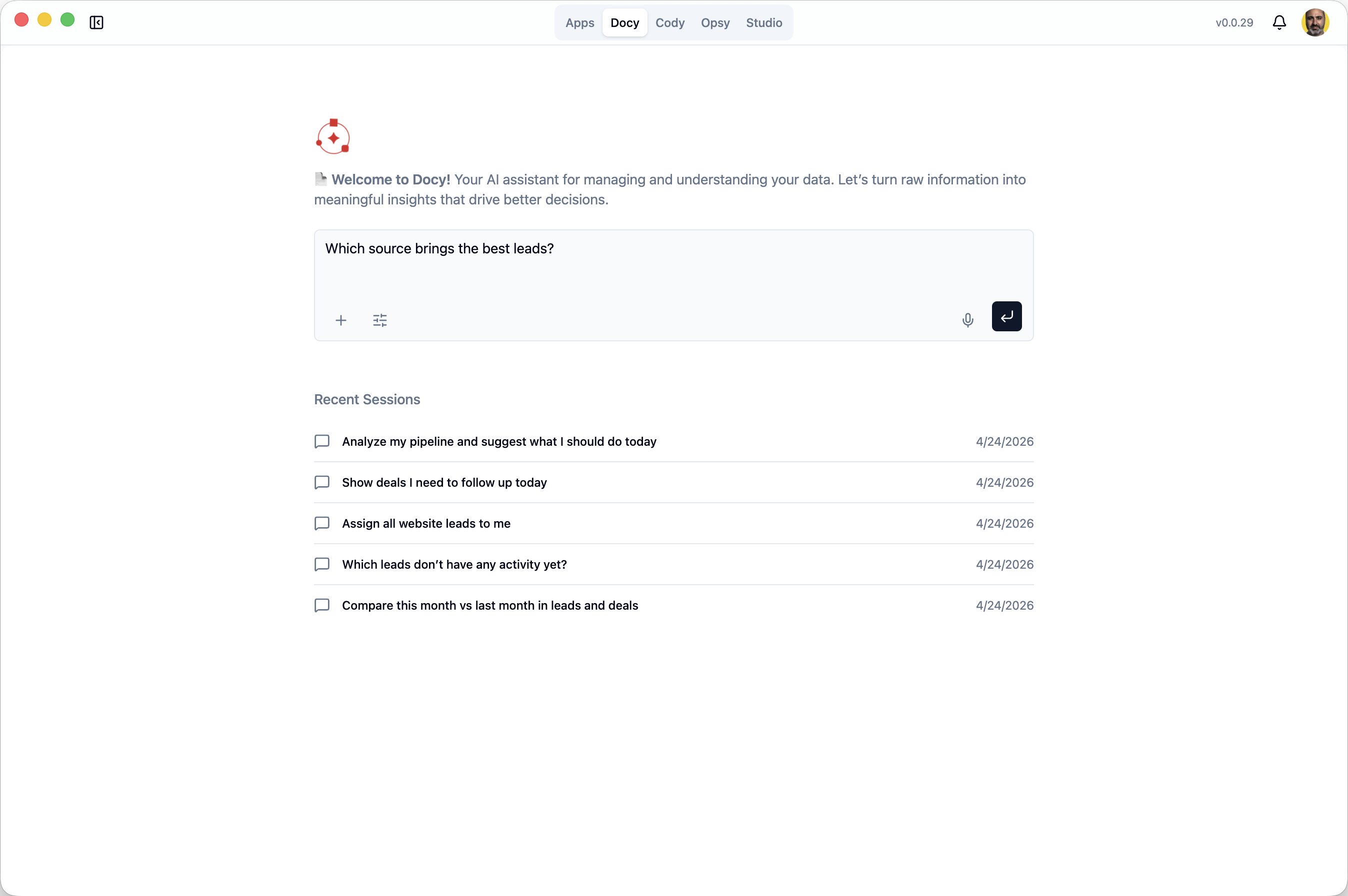
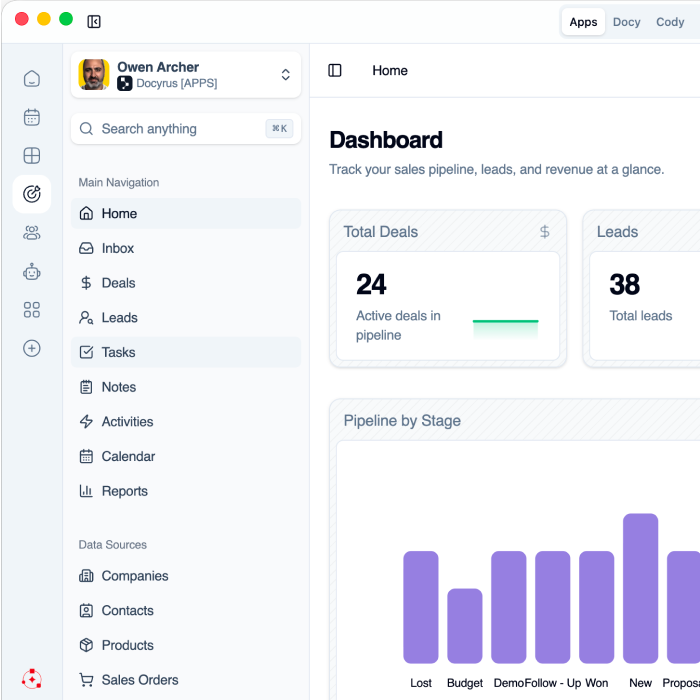
Move across apps, tasks, and navigation without losing your place
Docyrus Desktop App makes the product feel more immediate in daily work. App access, notifications, account controls, updates, and quick switching stay within easy reach.
- Fast access to apps from the desktop product
- Notifications, account controls, and version visibility
- Built-in awareness of updates and release notes
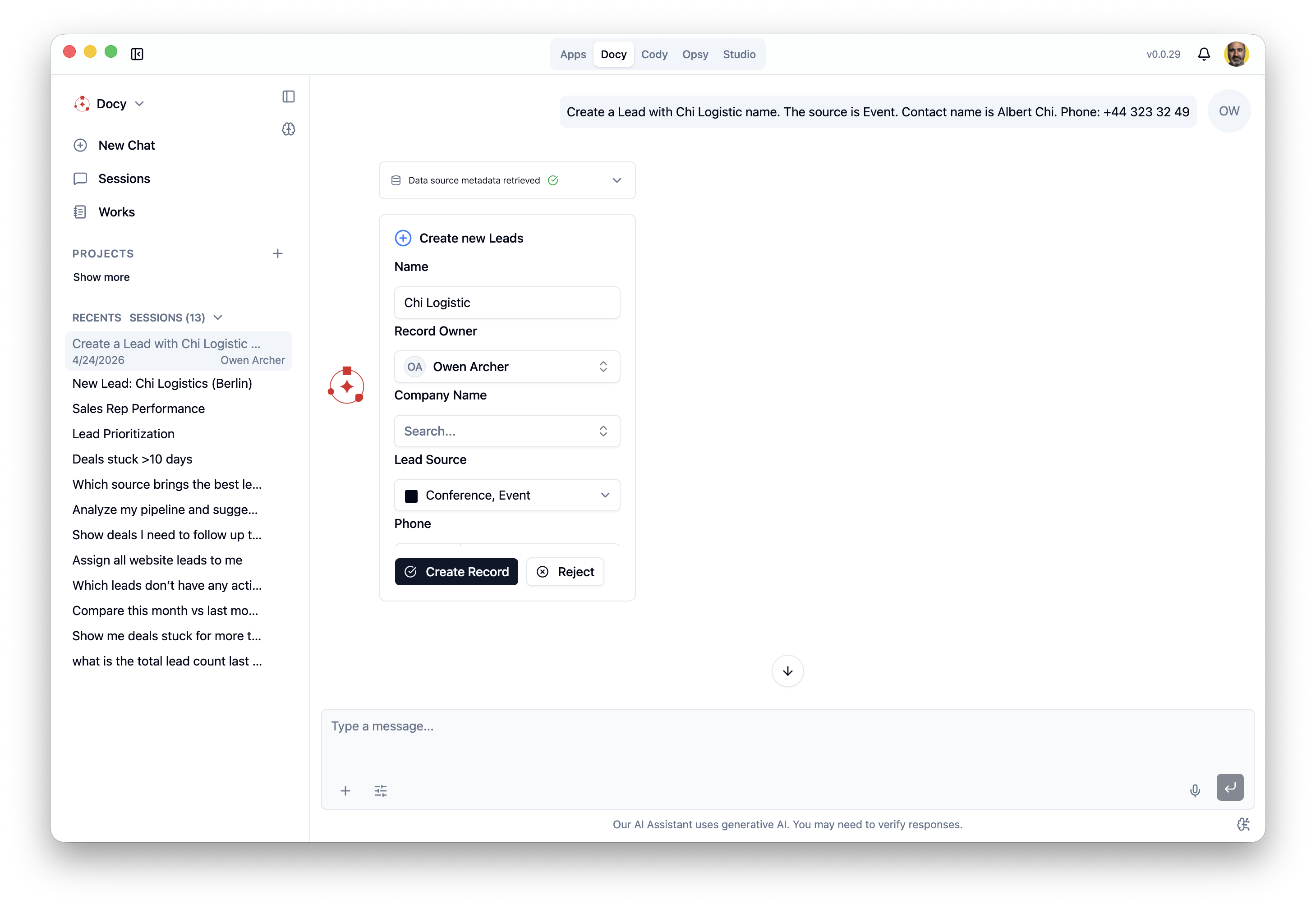
Ask, review, and take action with Docy in context
Docy does not feel like a detached assistant. You can return to recent sessions, continue operational work, and move from a question to a concrete action in the same environment.
- Quick prompts and new conversations
- Recent session continuity
- Action-oriented work on live business data
Code with Cody inside the Docyrus development environment
Cody provides project-aware AI coding assistance alongside your files, code, preview, terminal, Git, and deployment workflow. Generate code, complete existing implementations, refactor project files, fix errors, and move from development to release without switching tools.
- Contextual code completion and predictive coding suggestions
- Project-aware code generation and editing
- Refactoring and code optimization
- Error detection, explanation, and fixes
- Preview, files, Git, terminal, and release visibility
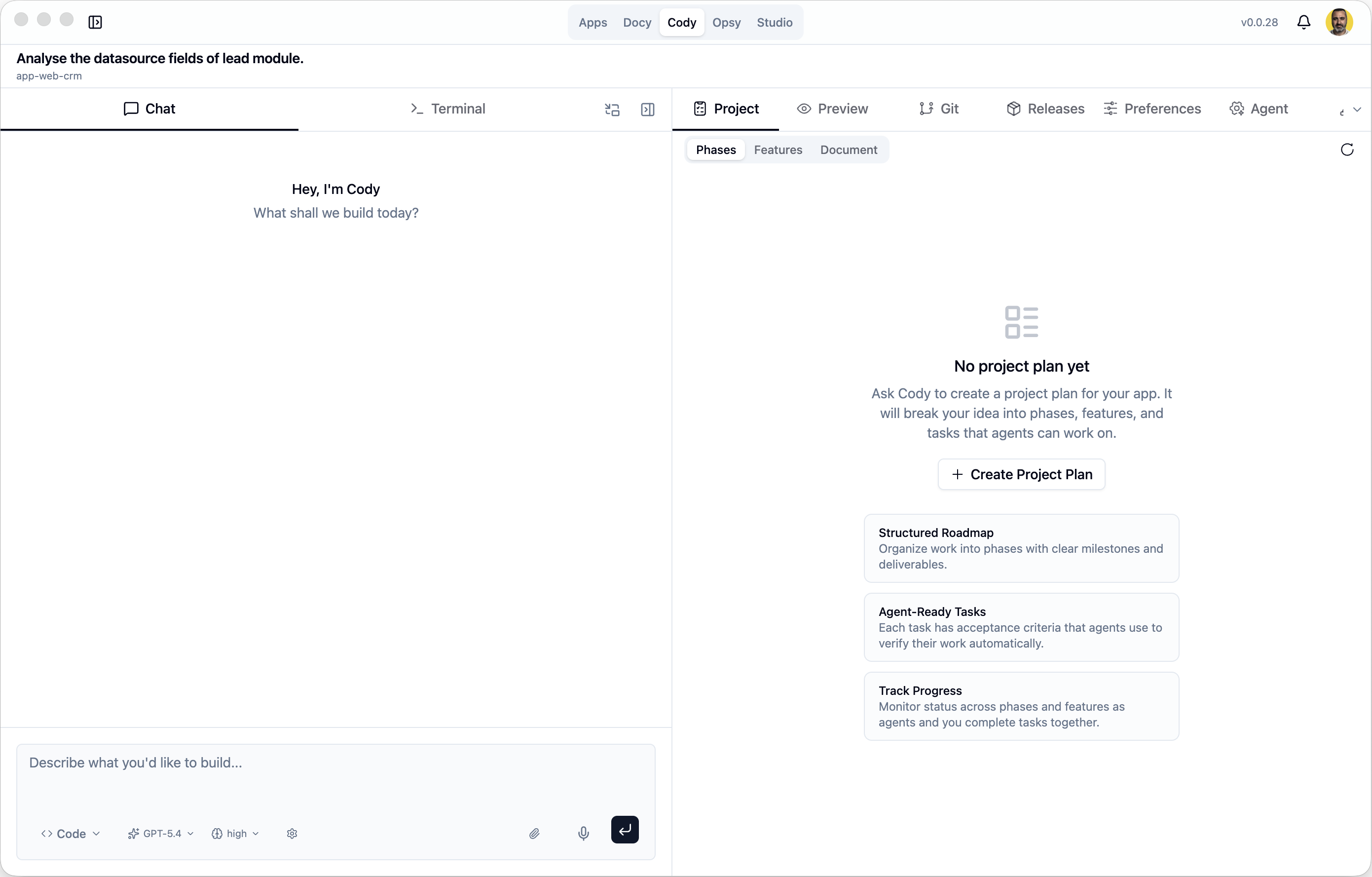
Keep AI coding and terminal work in the same context
Work with Cody on one side and the terminal on the other. Cody can use the current project context while you inspect builds, run commands, review errors, and continue implementation.
- Quick switching between chat and terminal
- Support for local and cloud project workflows
- Less context loss during execution
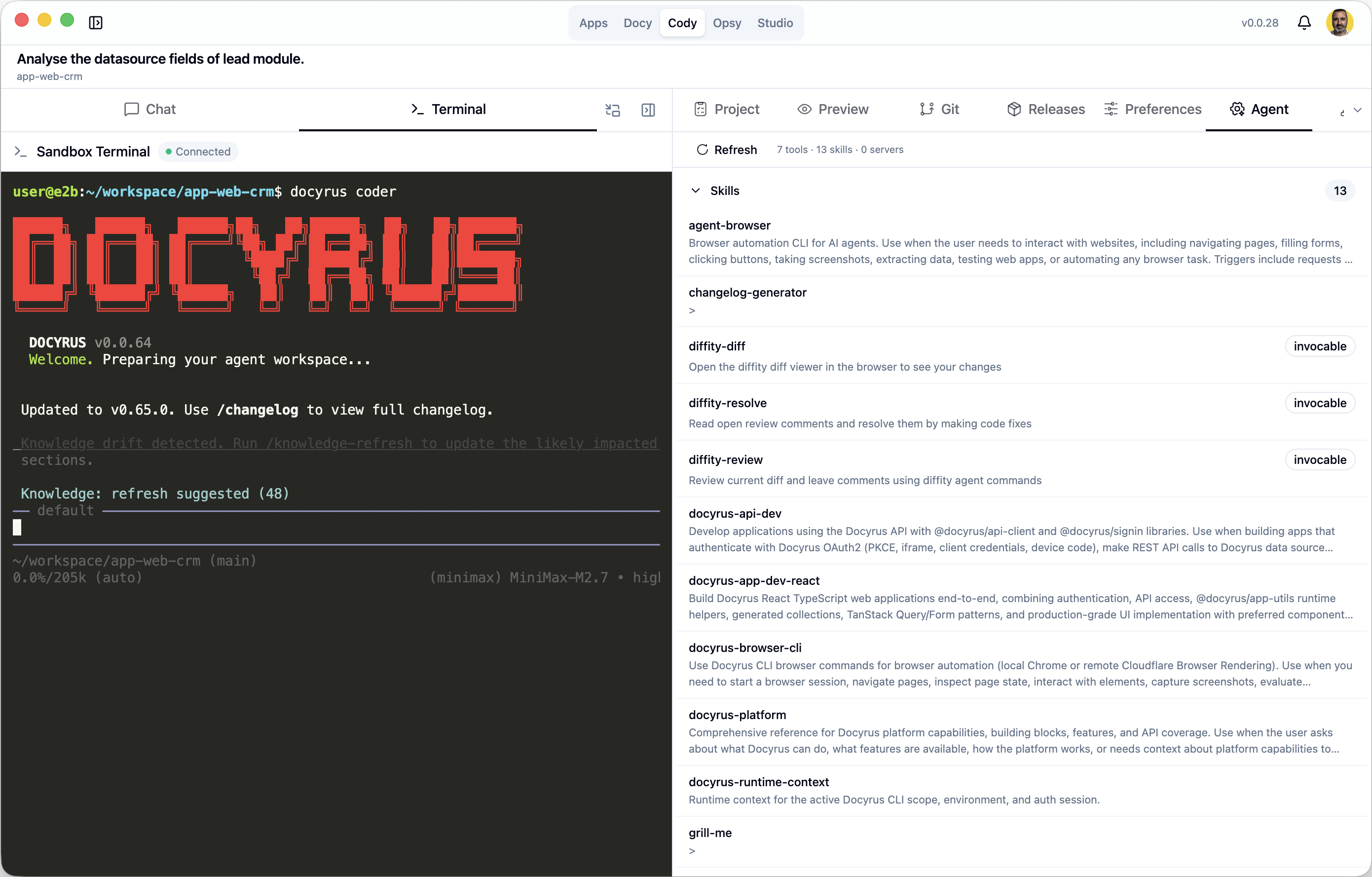
Why teams use Docyrus Desktop App
The goal is not just to put Docyrus on a laptop. It is to make daily work feel more focused, more continuous, and less fragmented.
Native app experience
Work without spreading attention across separate browser windows and tabs.
Apps and AI in the same environment
Use operational workflows and AI assistance side by side.
Fewer context switches
Move from a question to preview, then to shipping, with less friction.
Local and cloud project support
The product stays consistent across different build setups.
Preview, files, Git, and release flow
The critical steps to delivery stay connected.
Role-based advanced workspaces
Teams can go deeper when they need more builder-oriented tools.
Frequently asked questions about Docyrus Desktop App
What is Docyrus Desktop App? +
Docyrus Desktop App is the native Docyrus app for opening apps, working with Docy, and moving into build workflows in a more focused environment.
What can teams do inside it today? +
Teams can access apps, work with Docy, manage recent conversations, and for eligible roles move into advanced areas such as Cody for planning, preview, files, Git, deployments, and release workflows.
Is every surface available to every user? +
No. Apps and Docy are part of the broadly available experience, while Cody, Opsy, and Studio are advanced surfaces available for eligible roles.
Can teams use it for both business workflows and app-building work? +
Yes. The product supports everyday app usage and AI-assisted operational work, while also giving eligible users a path into deeper builder workflows when they need to plan, iterate, and ship.
Is Cody an AI coding assistant inside the Desktop App? +
Yes. Eligible development roles can use Cody as a project-aware AI coding assistant alongside files, code, terminal, Git, preview, deployments, and releases.
Can Cody help with existing code? +
Yes. Cody can use project context to complete, edit, refactor, optimize, and debug existing code.