Build your own custom CRM, starting from the Sales CRM template
AI Native CRM built for modern revenue teams.
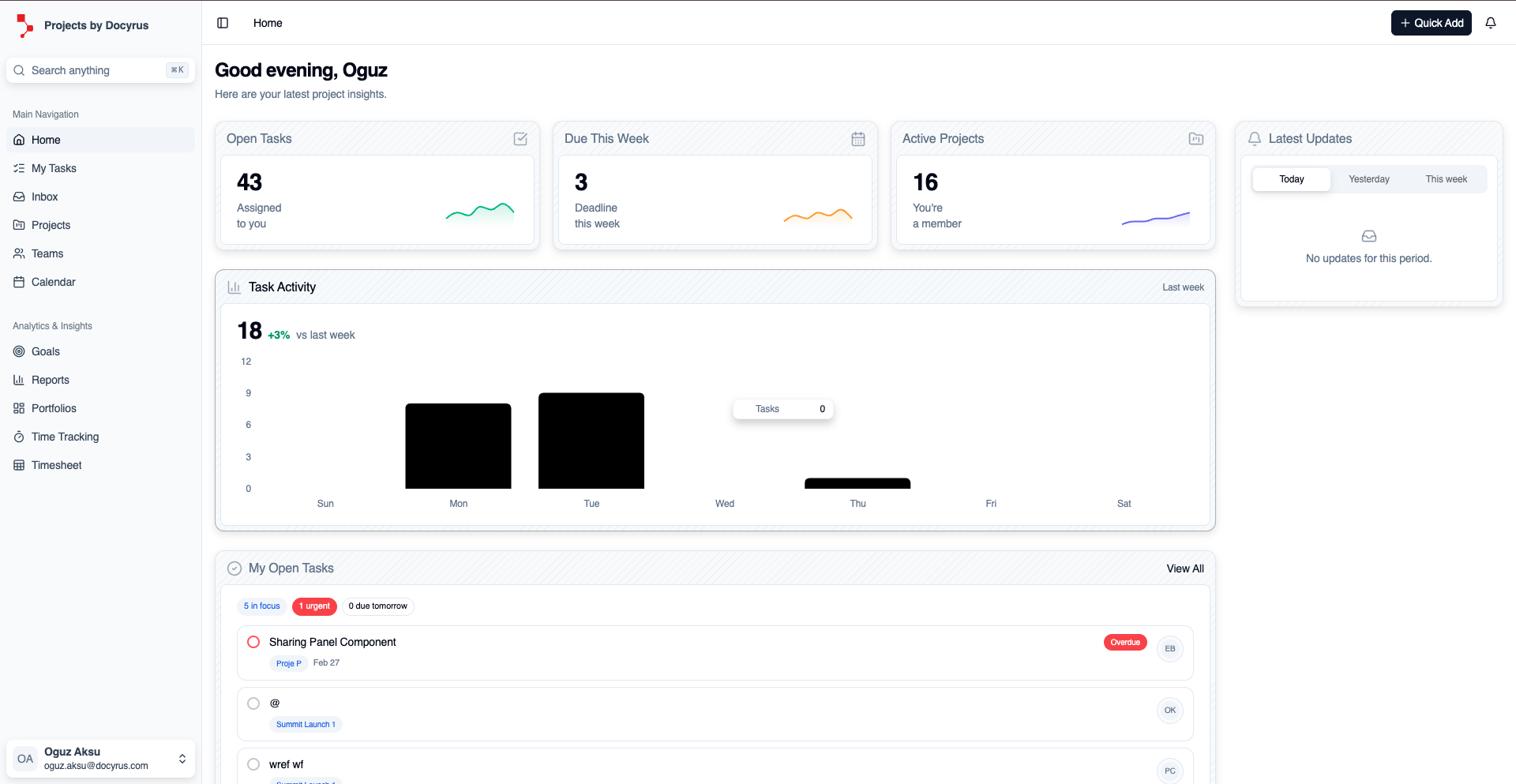
Pipeline view - Track every deal from prospecting to closed won or lost.
Install
Set it up now, then review the key features and fit below.
Alternative To
 Pipedrive
 Attio
Attio HubSpot
 Salesforce
 Zoho CRM
About Sales CRM
Sales CRM on Docyrus gives revenue teams a clear pipeline, automated follow-ups, and more reliable forecasts. Built-in AI agents write summaries, flag risk, and cut down manual CRM updates so your team can focus on closing deals.
Who It's For
Core Outcomes
Close Deals Faster
Track pipeline stages and remove bottlenecks early.
Eliminate Manual Updates
Auto-enrich fields and generate activity summaries.
Forecast with Confidence
Use AI-powered revenue prediction and risk detection.
Automate Follow-Ups
Trigger reminders, sequences, and status changes automatically.
Centralize Communication
Sync emails, meetings, and notes in one place.
Key Modules
Core Workflows
Lead to Won Flow
Follow-Up Automation Flow
Revenue Forecast Flow
Reporting Snapshot
AI Agents Included
These agents answer questions, summarize activity, and help your team move faster inside the app.
Docy
Your intelligent CRM data assistant.
- Ask questions about pipeline performance
- Generate deal summaries
- Identify stalled opportunities
- Explain forecast variance

Data Scientist
Advanced revenue analytics and prediction.
- Revenue forecasting
- Win probability modeling
- Risk detection
- Trend analysis

Chief Researcher
Context enrichment assistant.
- Analyze uploaded contracts
- Summarize proposals
- Extract key deal terms
- Research account insights

Presentation Crafter
Turn CRM data into executive slides.
- Revenue forecast decks
- Quarterly sales reviews
- Pipeline reports
- Investor-ready summaries

Image Generator
Create visuals for sales enablement.
- Proposal graphics
- Marketing visuals
- Product concept mockups
Diagram Genius
Generate structured visual diagrams.
- Sales process maps
- Funnel breakdowns
- Customer journey diagrams
- Revenue flow charts
Build Your Own Agent
Create a custom AI assistant tailored to your workflow and publish it to the app gallery for your team.
Modules
Views
Automations
Templates
Customization
Import & Export
Access Control
Permission Levels
Audit Trail
External Access
Alternative To
PipedriveAttioHubSpotSalesforceZoho CRMCategories
Works With
 Gmail
Gmail Outlook
 Google Meet
 Microsoft Teams
 LinkedIn
 Google Drive
 OneDriveREST APIWebhooks
Custom CRM: build vs. buy questions
How much does a custom CRM cost? +
It depends on how you build it. With custom development, you pay developers to build the CRM, then pay for hosting and maintenance. Off-the-shelf CRMs usually charge per seat, so the bill grows with your team. On Docyrus, you start from the Sales CRM template and pay for a platform plan with no per-seat charges. Starter is free for the first 6 months on annual billing only, and monthly billing starts at $36/month. Every plan is listed on the pricing page.
How long does it take to build a custom CRM? +
A CRM built from scratch is a development project that usually takes months before the first release. When you start from the Sales CRM template, a working pipeline with leads, deals, companies and contacts is ready as soon as the template is installed. You then change fields, stages and automations while your team already uses it. In the pilot program, larger scopes are split into phases, and the first phase launches the part that creates value fastest.
Can I migrate from HubSpot, Pipedrive or Salesforce? +
Yes. Export your contacts, companies and deals as CSV or Excel files and import them into the template’s Leads, Deals, Companies and People modules. Bulk operations and duplicate merging in the template help with the cleanup. For live connections to other tools, you can use the REST API and webhooks. If you join the pilot program, our team reviews your current CRM, data and process first and plans the move with you.
Do I need developers to build a custom CRM on Docyrus? +
No. Fields, stages, views, automations and permissions are configured in Studio without writing code, and Cody, the AI coding assistant, can build pages and dashboards for you. When you need more, developers can extend the CRM with the REST API, the CLI and custom code.
Should I build a custom CRM or buy an off-the-shelf one? +
Buy off the shelf if a standard sales process fits your team and per-seat pricing works at your size. Build when your process, data or approvals do not fit a standard CRM, when you want AI agents working on your own data, or when per-seat costs grow faster than the value you get. A template on Docyrus gives you a working start, so building does not mean starting from zero.
Is Docyrus a CRM? +
No. Docyrus is a platform for building business apps and AI agents, and Sales CRM is one of the templates on it. You install the template, its data model becomes yours, and you change it like any app you build on Docyrus. You can run support, project or operations apps next to it on the same data.